Updated March 19, 2026
Ortholinear keyboards worth considering
This page is built to help you narrow the list fast. Filter by size, firmware, hot-swap support, or price, then compare the boards that actually fit how you work. New to ortho keyboards? Start with our ultimate guide to ortholinear keyboards.
Quick advice
Start with layout, then firmware.
If you want the shortest learning curve, lean toward a 50% board. If customization matters most, stick to boards that support QMK or VIA. If comfort is the goal, look at split ergonomic designs first.
How to use this page
Choose the right board instead of opening ten tabs.
Most people should decide in this order: layout size, firmware support, then budget. A smaller 40% board saves the most space, a 50% board is easier to adapt to, and a split ergonomic board is the better starting point if comfort is your main concern.
Best Starter
KBDcraft Israfel
Affordable, approachable, and easier to recommend to first-time ortho users.
Best 40%
OLKB Planck
Still the reference point for a compact, highly customizable ortholinear board.
Best Wireless
Keychron Q15 Max
One of the most practical options if you want cable-free use without giving up programmability.
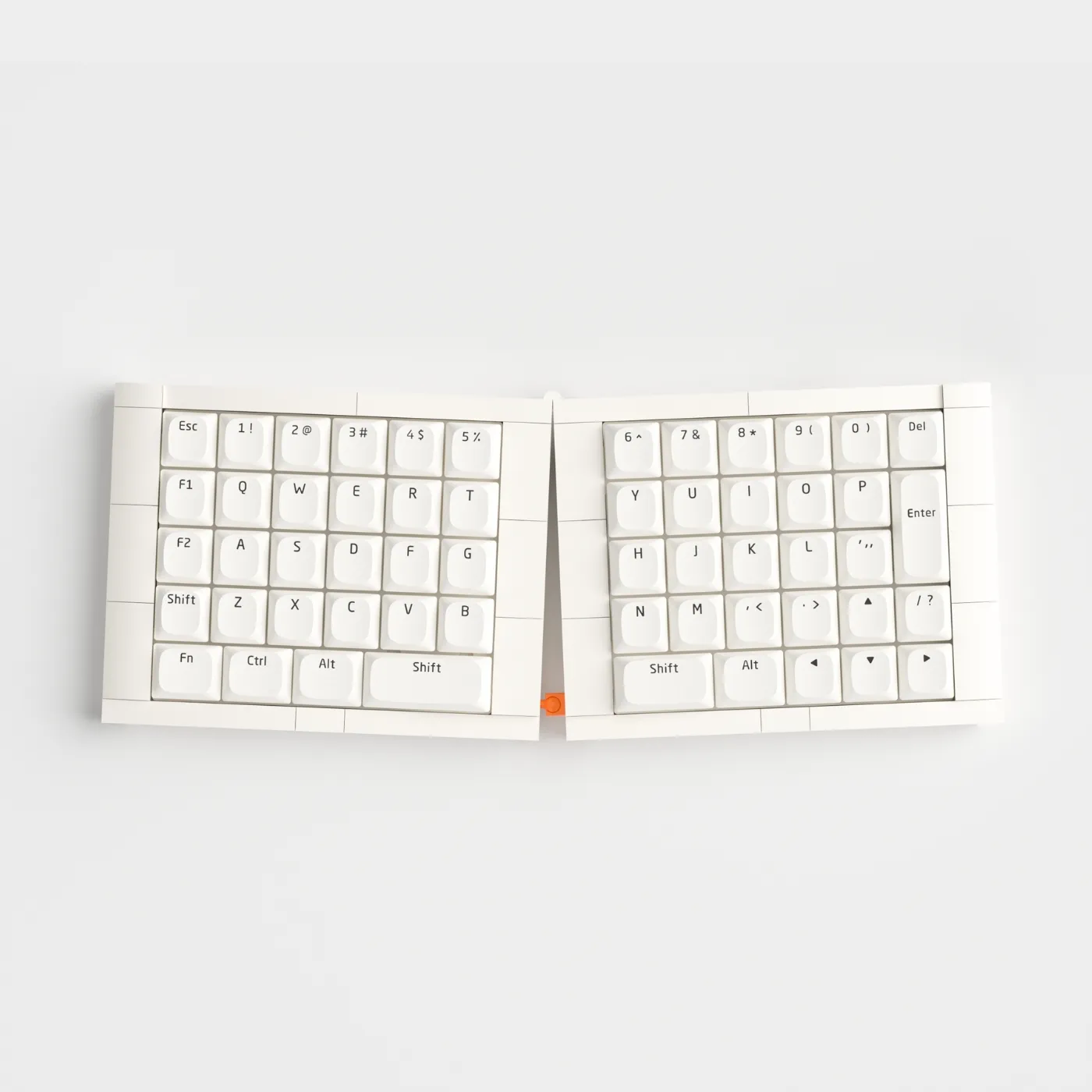
KBDcraft Israfel
The Israfel is a distinctive 50% ortholinear kit with included switches and keycaps. Its low-profile design and approachable price make it one of the easiest entry points into full ortho.
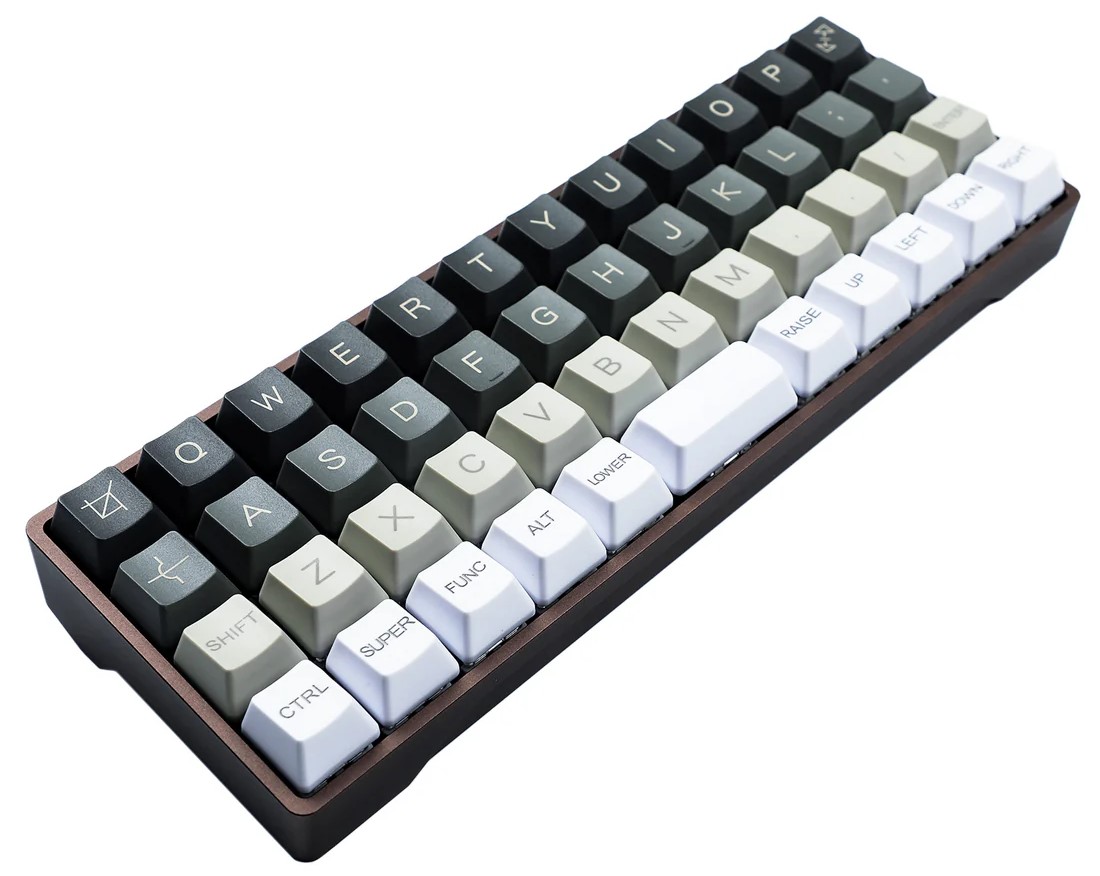
YMDK Air40
Available with aluminum and wood cases, the YMDK Air40 gives you a compact 40% board with RGB, hot-swap support, USB-C, and full VIA/QMK programmability.
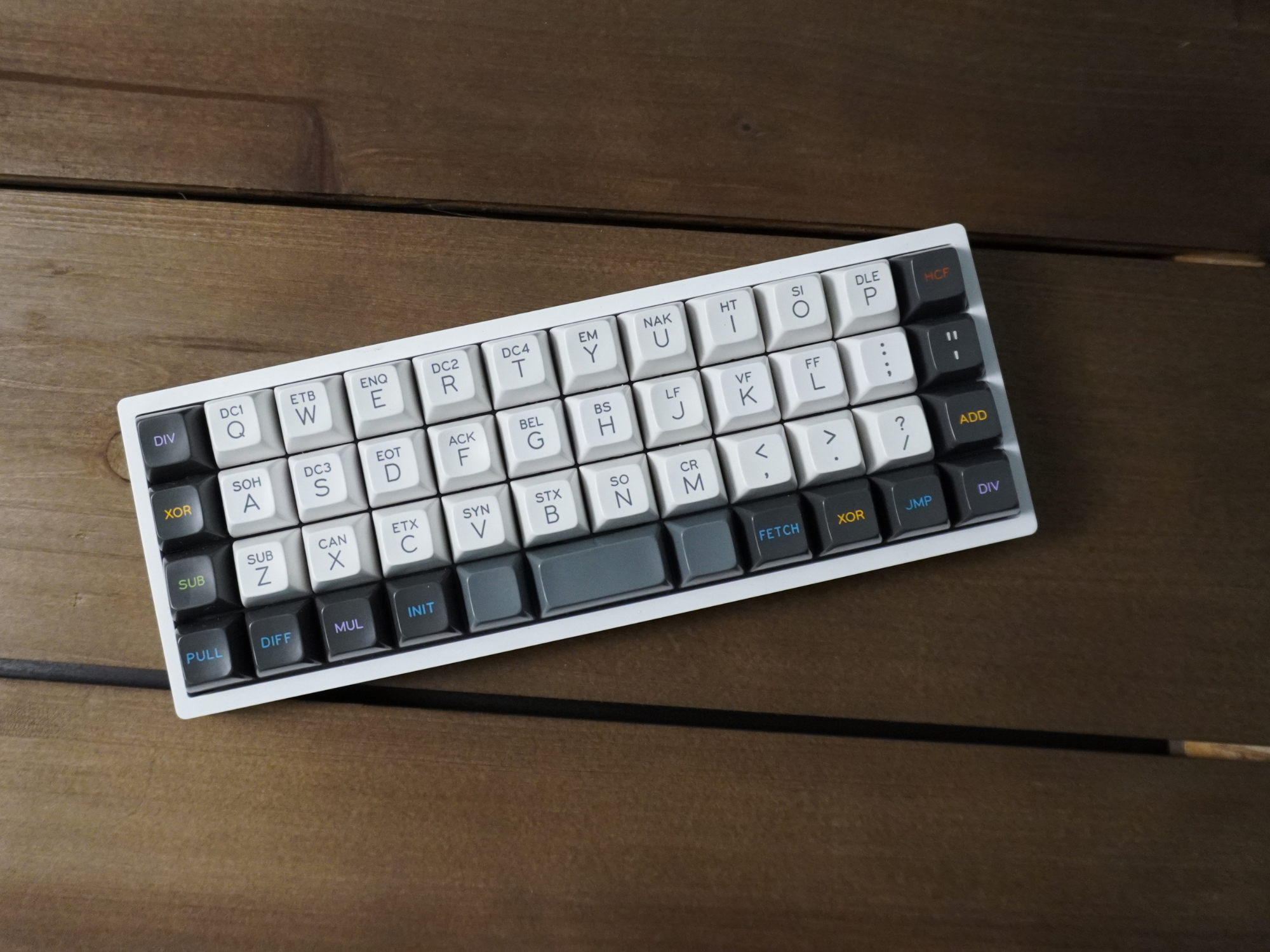
KPrepublic CSTC40
The CSTC40 is a budget-friendly 40% ortholinear board similar to the Planck. It supports hot-swap switches, RGB lighting, and VIA-based remapping.
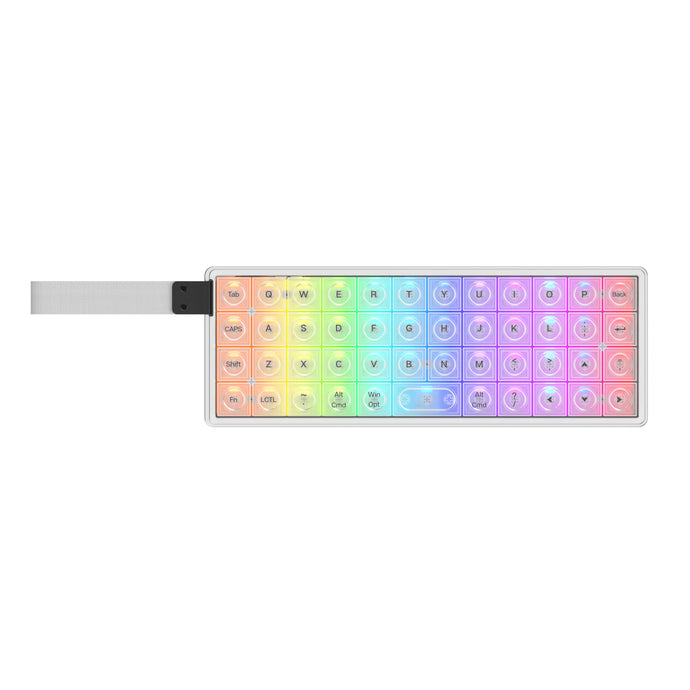
Epomaker LUMA40
The LUMA40 is a 40% ortholinear keyboard with tri-mode connectivity (2.4GHz, Bluetooth, wired), low-profile hot-swap switches, per-key RGB with frosted white keycaps, and a CNC aluminum case.
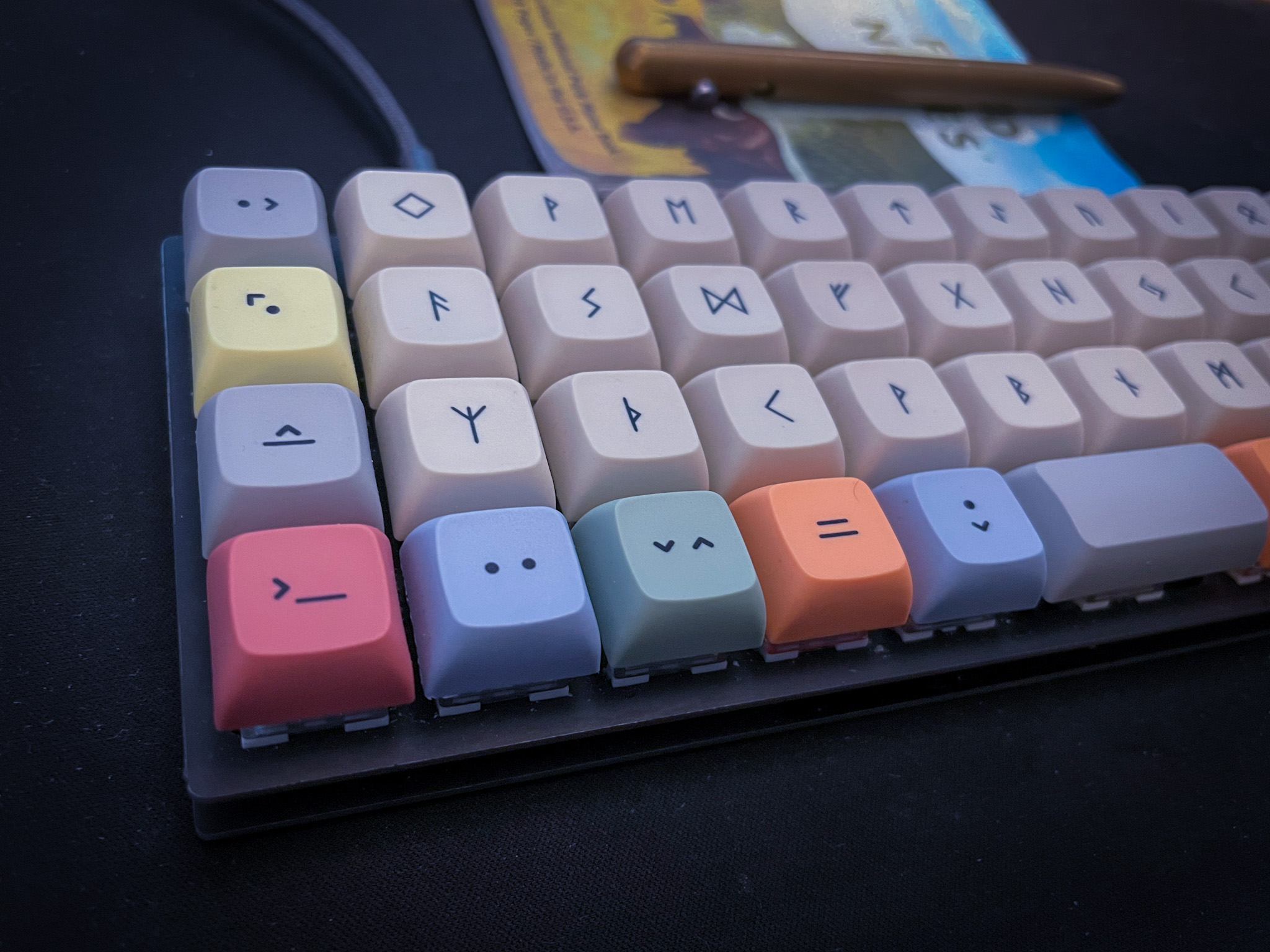
OLKB Planck
The Planck remains the benchmark 40% ortholinear board. Recent versions add hot-swap support, LEDs, encoder support, and multiple case options.

Keychron Q15 Max
Keychron's Q15 Max blends an ortholinear-inspired Alice layout with a premium aluminum build, 2.4G wireless, Bluetooth, hot-swap sockets, and QMK support.
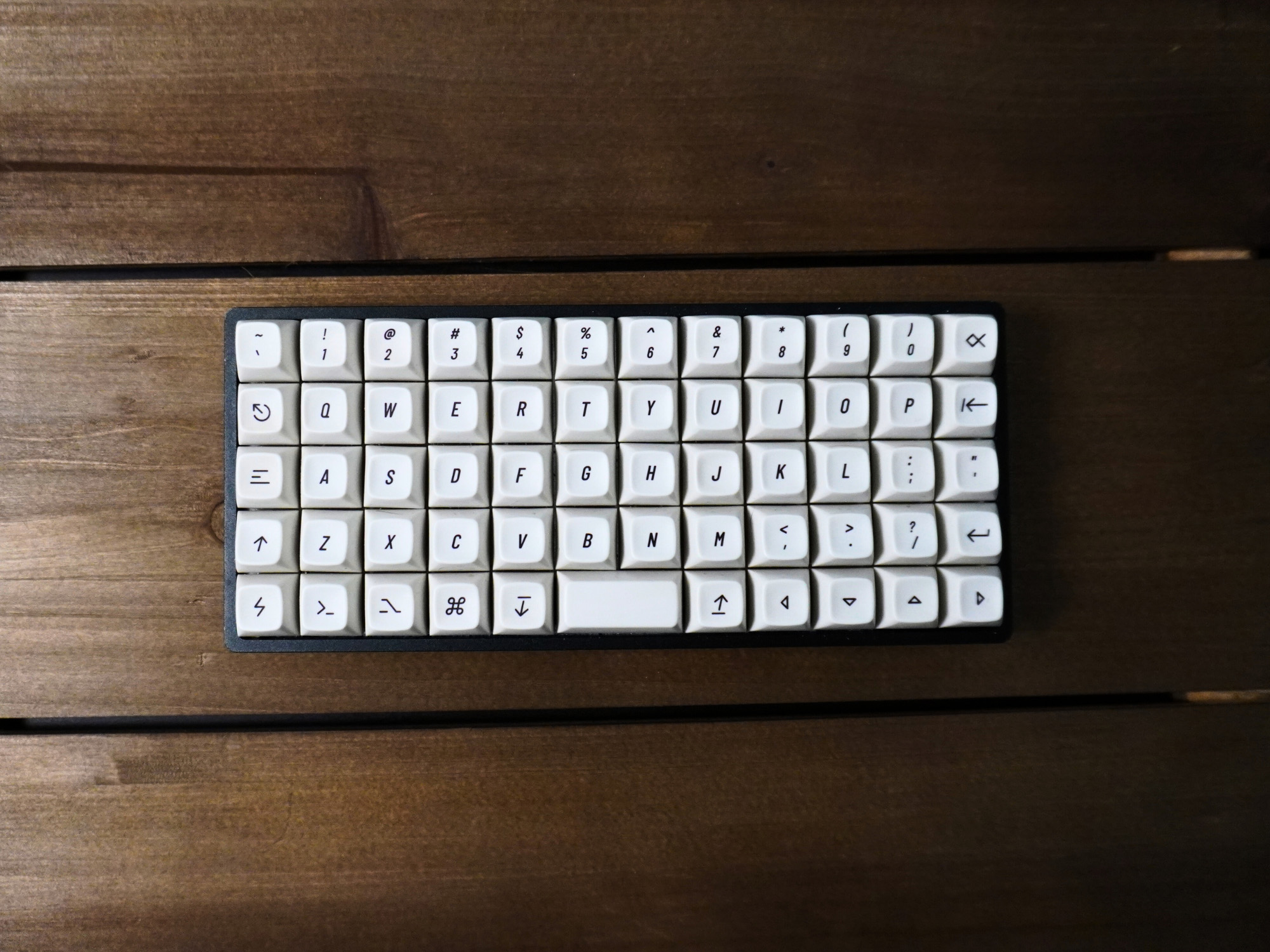
OLKB Preonic
The Preonic adds an extra row over the Planck, making it a strong choice for anyone who wants more dedicated keys without leaving the ortholinear layout behind.
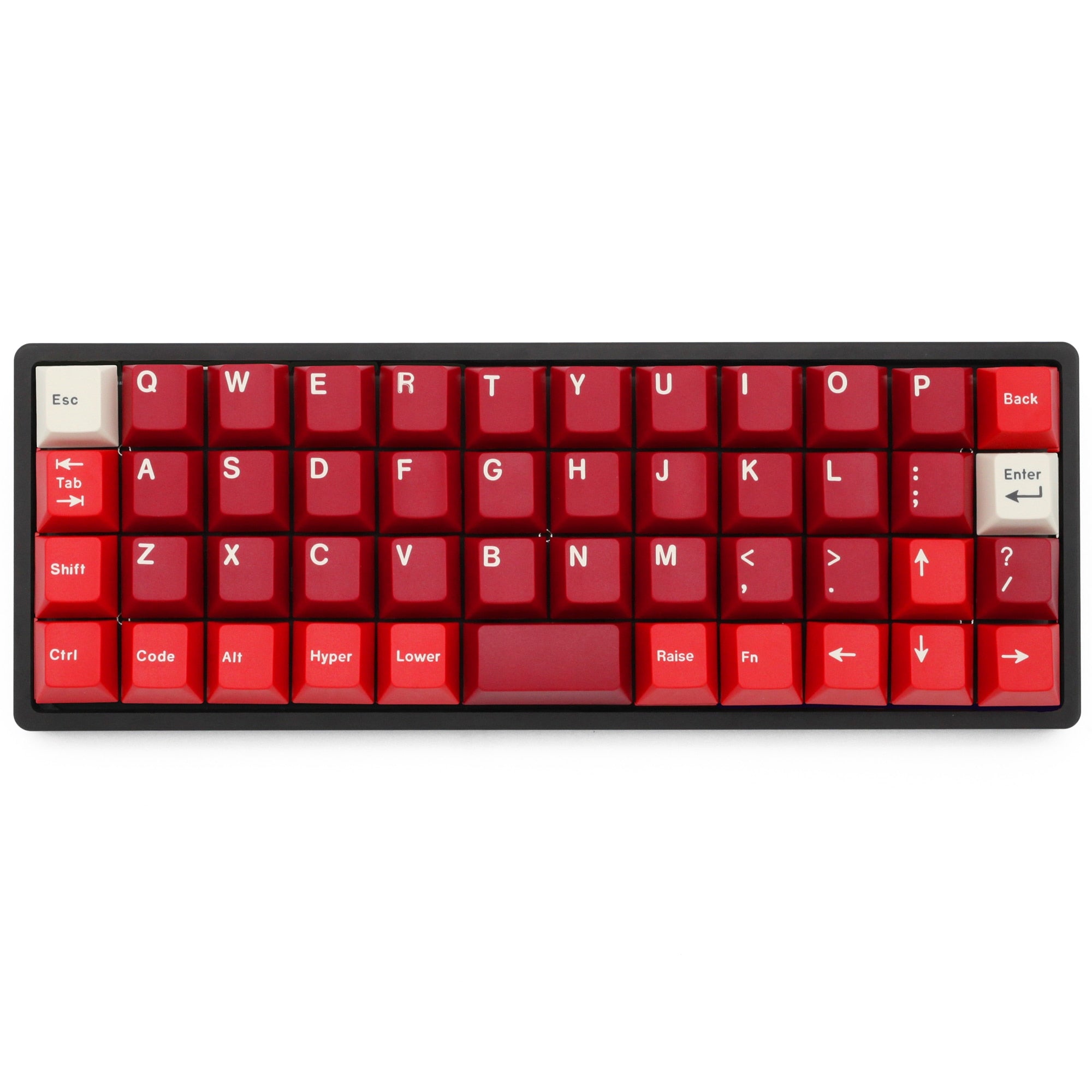
KPrepublic BM40
The BM40 is a solid 40% ortholinear option with hot-swap sockets, QMK/VIA support, RGB lighting, and easy case-and-plate availability.
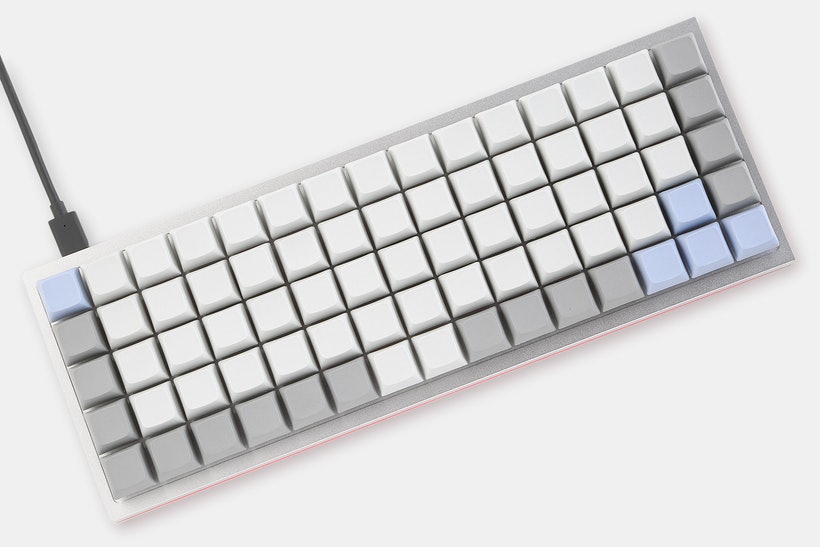
Idobao x YMDK ID75
The ID75 packs 75 keys into a full grid layout with a hot-swappable PCB, CNC aluminum case, and underglow-friendly acrylic bottom options.
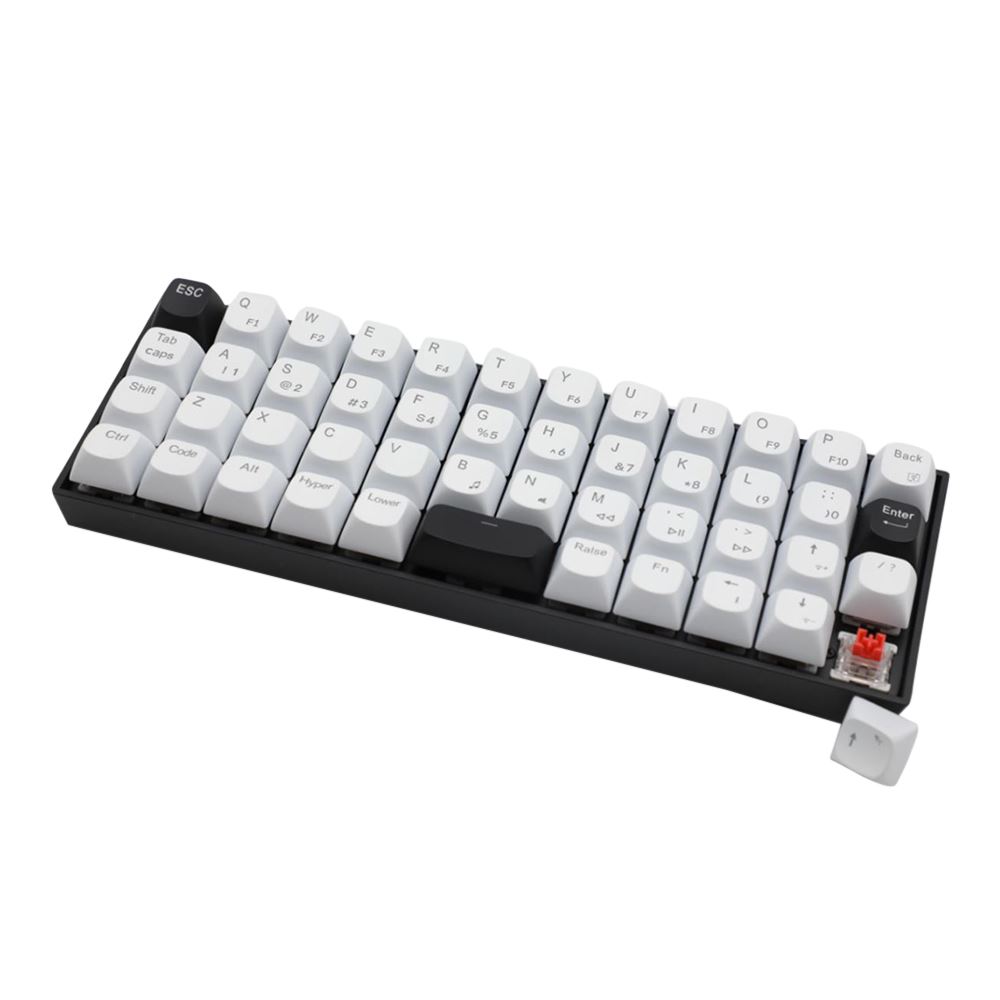
Inland 47
The Inland 47 is a simple budget ortholinear option with hot-swappable switches and RGB lighting, making it a straightforward first board for experimentation.
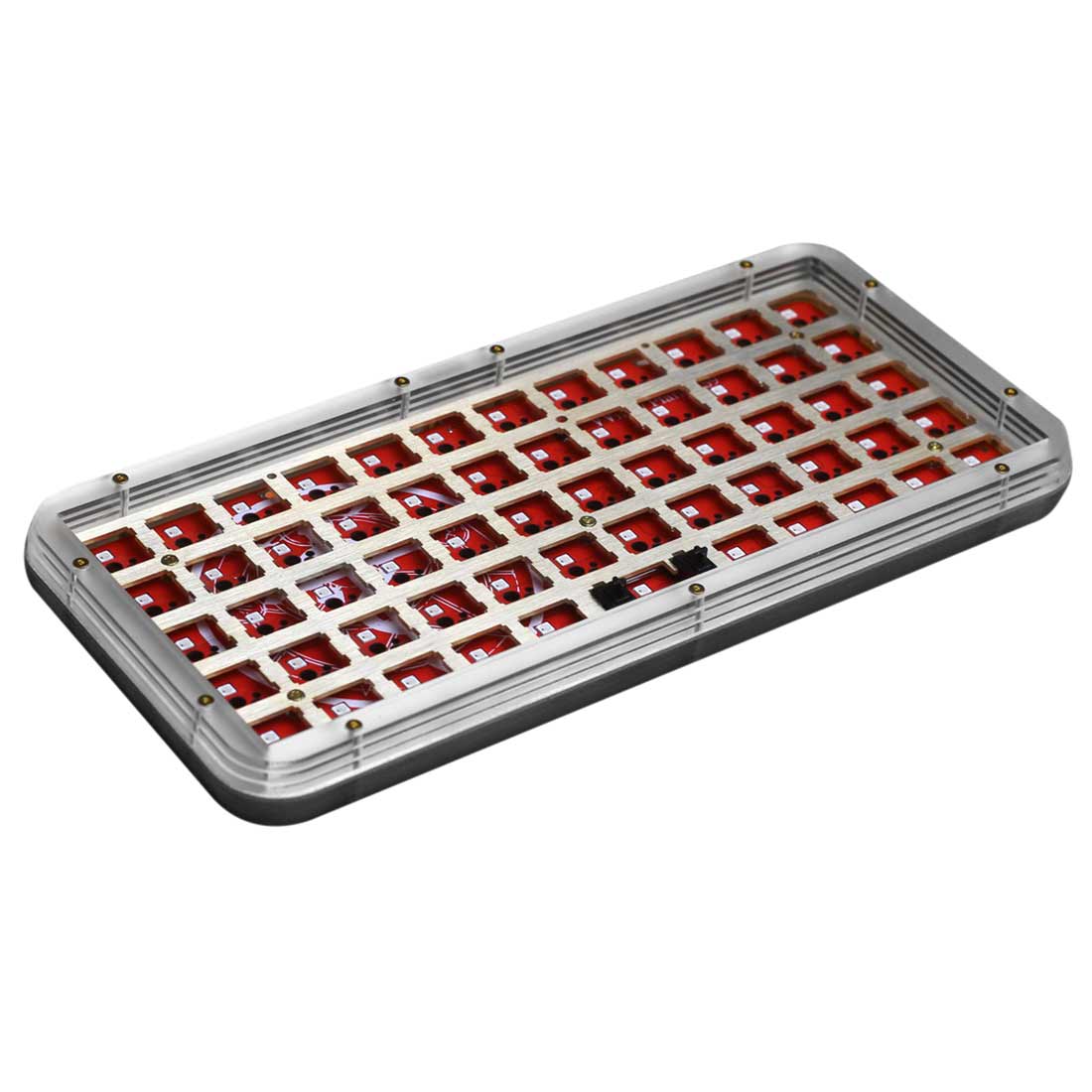
MechDIY 59
The MechDIY 59 pairs a 59-key ortholinear layout with a hot-swappable PCB, RGB backlighting, and VIA-based customization in an acrylic shell.
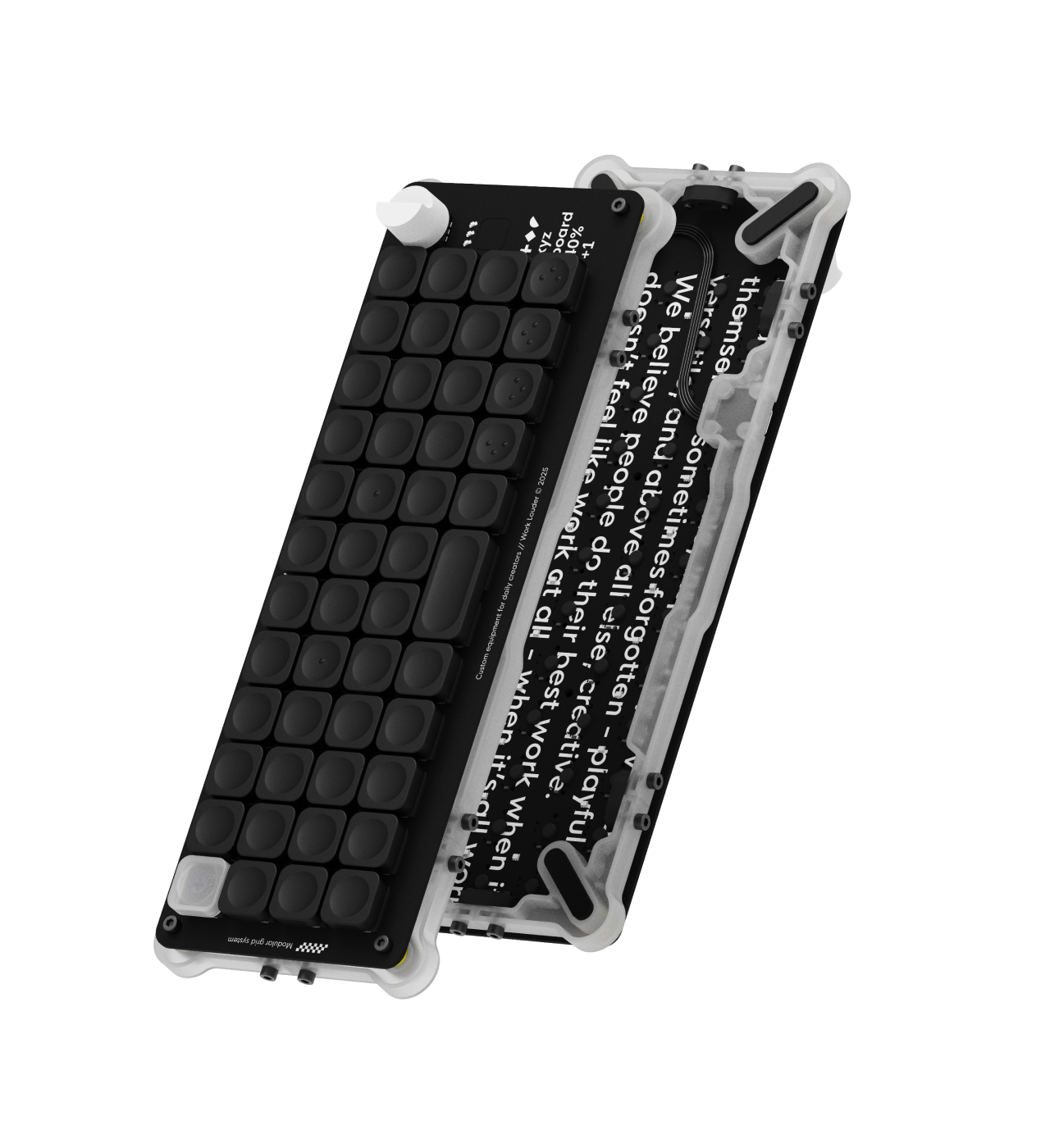
Work Louder XYZ Work Board r2
The XYZ Work Board r2 is Work Louder's new Alice-inspired split 40% keyboard kit. It is currently in production for April 2026 and open for pre-order.
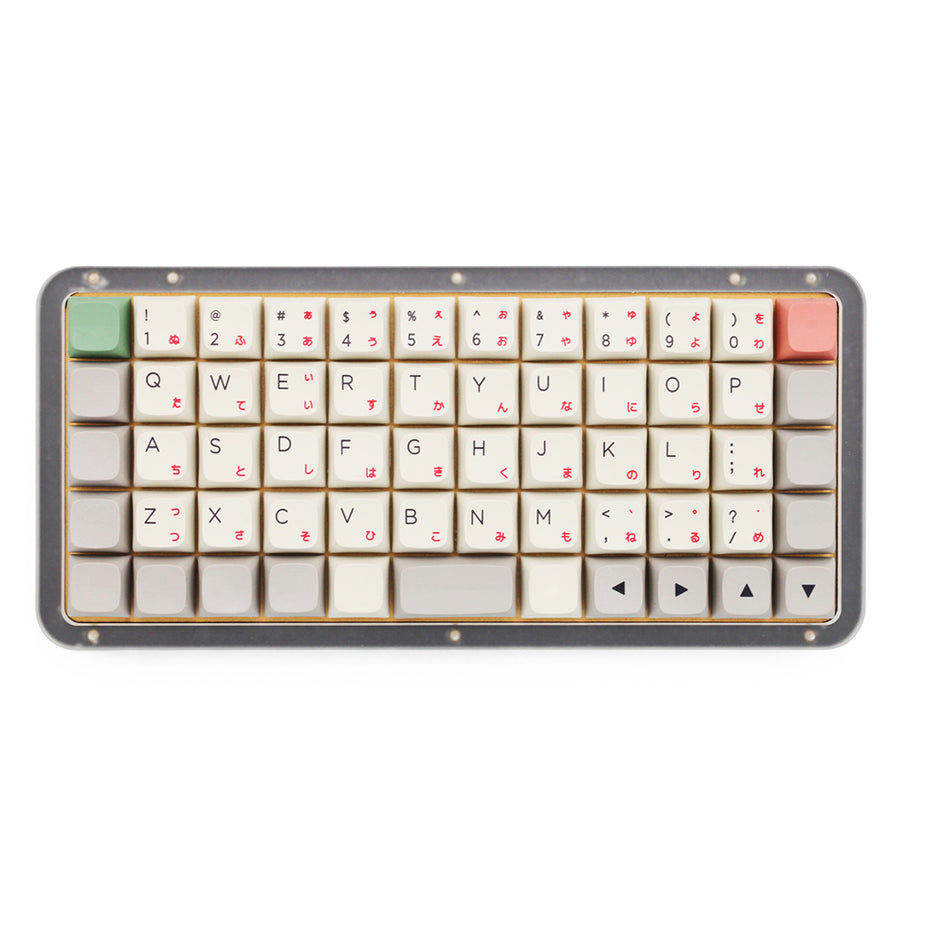
KPrepublic DNA59
The DNA59 gives you a Preonic-style footprint with hot-swap support and RGB, but it relies on proprietary software instead of QMK or VIA.
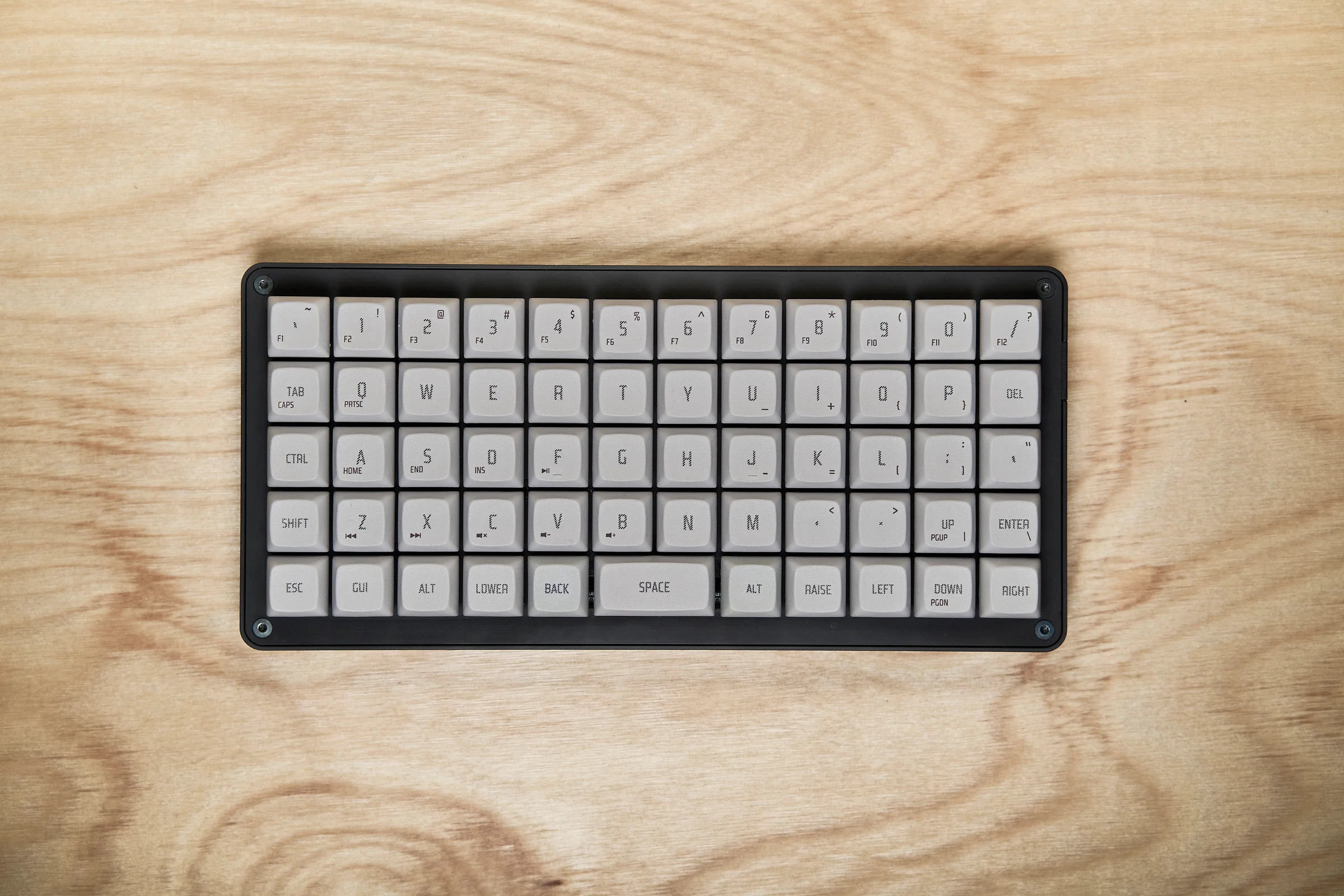
Gizmo Engineering GK6
The GK6 is a premium 50% ortholinear keyboard with QMK support, multiple bottom-row layouts, a hot-swap PCB, and a coated aluminum case.
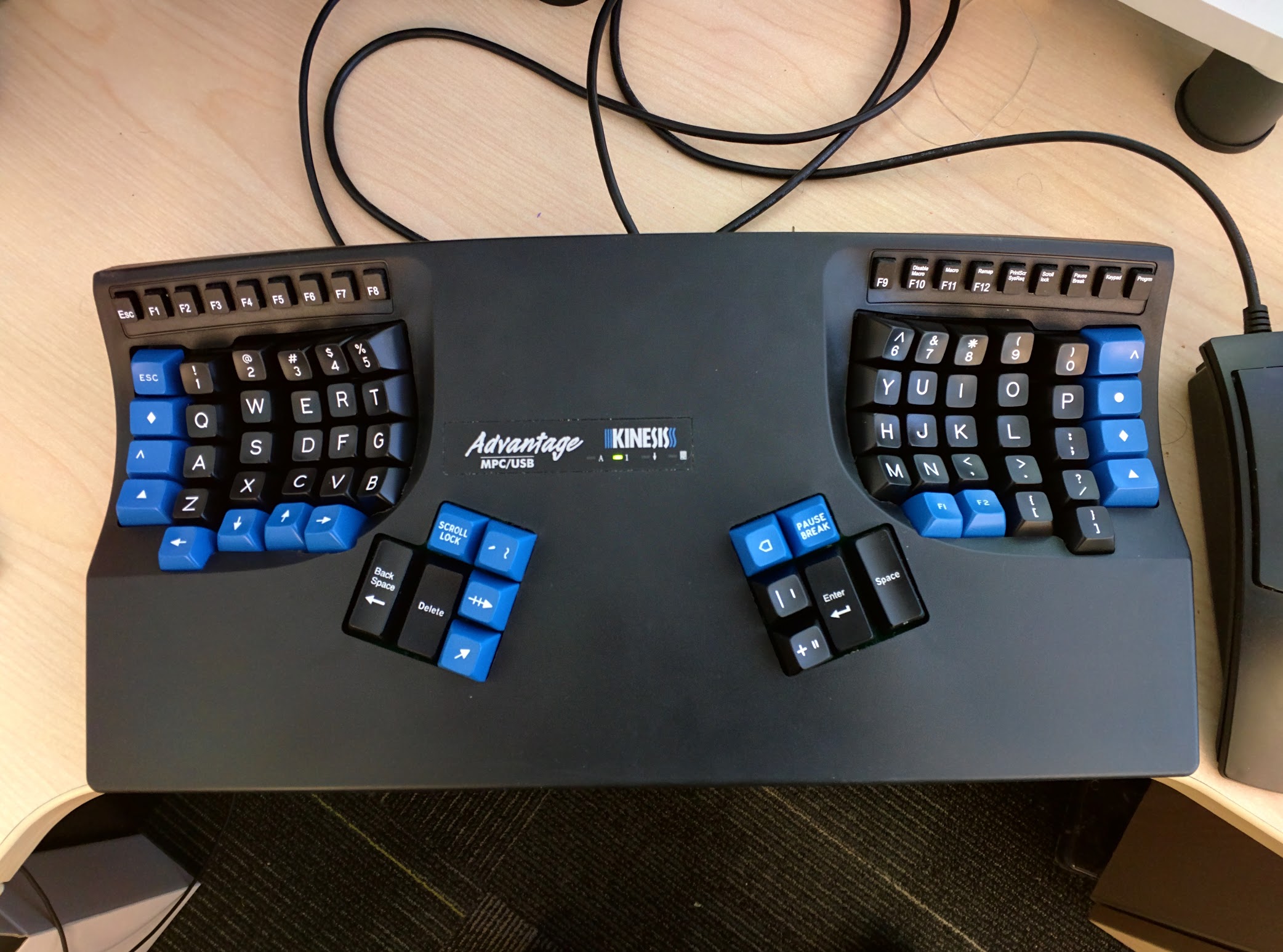
Kinesis Advantage2
The Kinesis Advantage2 uses a deep ergonomic split design with orthogonal key columns, integrated palm support, and a shape built for comfort over long work sessions.
Picking a size
40% boards are the most compact.
Choose a 40% board if desk space and portability matter most. Expect a steeper learning curve because layers do more of the heavy lifting.
Firmware matters
QMK and VIA make ownership easier.
If you want to remap keys, build layers, and experiment without friction, prioritize boards with QMK or VIA support.
Comfort first
Split designs are worth a look.
If your main goal is wrist comfort rather than maximum desk space, start with an ergonomic split design instead of forcing a compact board to solve an ergonomics problem.
Keycaps
Finally picked out your ortholinear keyboard? You will need keycaps that actually fit the layout. Read our articles on the best keycaps for ortholinear boards, or see our page on ortholinear keycap sets available now.

Design your own keycaps with FKcaps
Use our link to get a special 10% off affordable customizable keycaps at FKcaps. They offer Cherry, DSA, MDA, choc-style caps, and much more. Choose from different layouts to fit your needs, pick custom fonts, and build a set around your board.

FAQ
Common ortholinear keyboard questions
What is the best ortholinear keyboard for beginners?
For most beginners, a board like the KBDcraft Israfel, KPrepublic CSTC40, or BM40 is easier to recommend because pricing is friendlier and the layouts are easier to live with while you adjust.
What is the best 40% ortholinear keyboard?
If you want the classic compact ortho experience, the OLKB Planck is still the most recognizable 40% benchmark. Budget shoppers can look at the CSTC40 or BM40 instead.
Which ortholinear keyboards support QMK or VIA?
Many of the strongest options on this page support QMK, VIA, or both. The filters above let you narrow the list specifically to boards with the firmware support you want.